For freelancers
Run your week like a business, not a scramble.
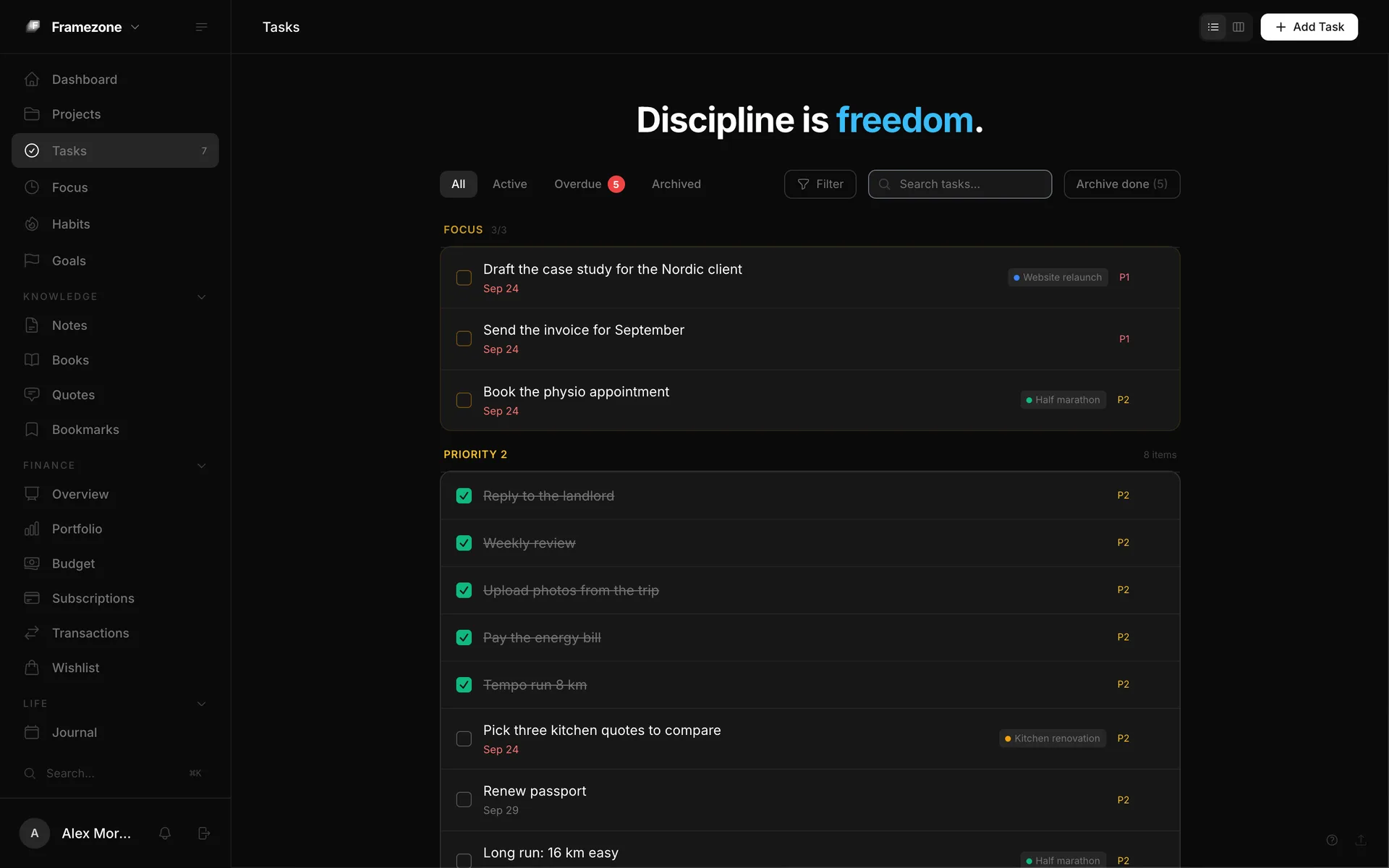
When nobody else plans your day, you have to. Framezone keeps client projects, focus time, money and the habits that keep you sane in one place, so Monday starts with a plan instead of an inbox.
Sound familiar?
The problem isn't you.
Every client brings a tool
Their Trello, their Asana, your notes app. Your own week has no single home.
Busy isn't the same as billable
At the end of the week you can't say where the hours went, or which client took them.
Money comes in lumps
Irregular income, yearly software bills and tax make a simple budget hard to trust.
Your setup
Set up in about ten minutes.
You don't need all of it on day one. Start with the first step and add the rest as you go.
- 01 Projects One project per client, in A, B and C tiers by how much it matters this quarter.
- 02 Top 3 Each morning, pick three tasks across all clients. The rest waits.
- 03 Focus timer Run sessions on client tasks, so the weekly stats show hours per project.
- 04 Money Log income as it lands and track the software you pay for, with a reminder before each bill.
- 05 Habits Protect the basics: a daily walk, a stop time, no email before ten.
Focus time
See which client took the week
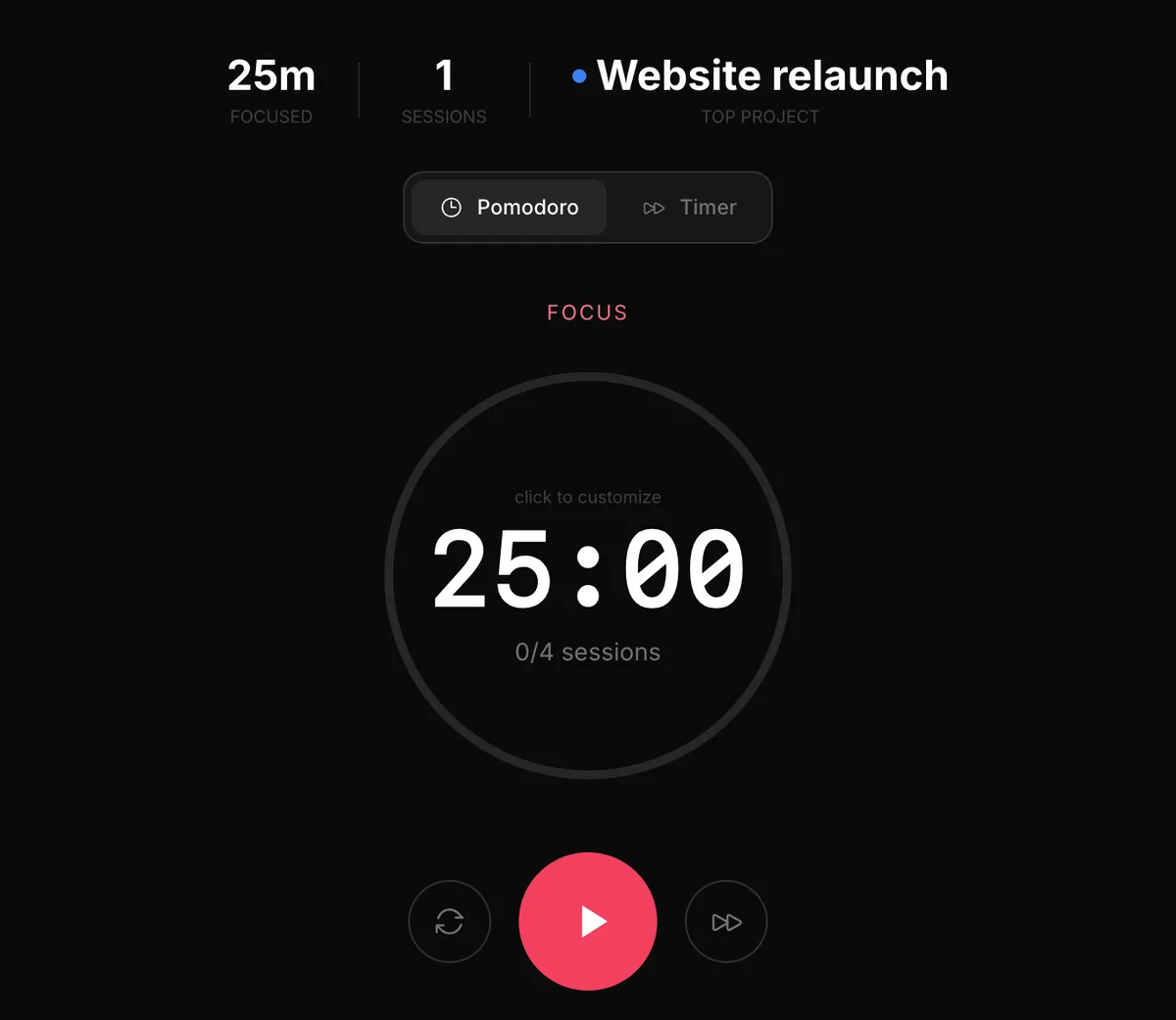
Start a focus session on a task and it counts toward that project. The focus page shows time by project and by hour of the day, which helps with planning and with quoting the next job.
- Pomodoro or stopwatch
- Time per project and per hour
- Not a billing tool: no rates or invoices
Money
Know what you actually pay for
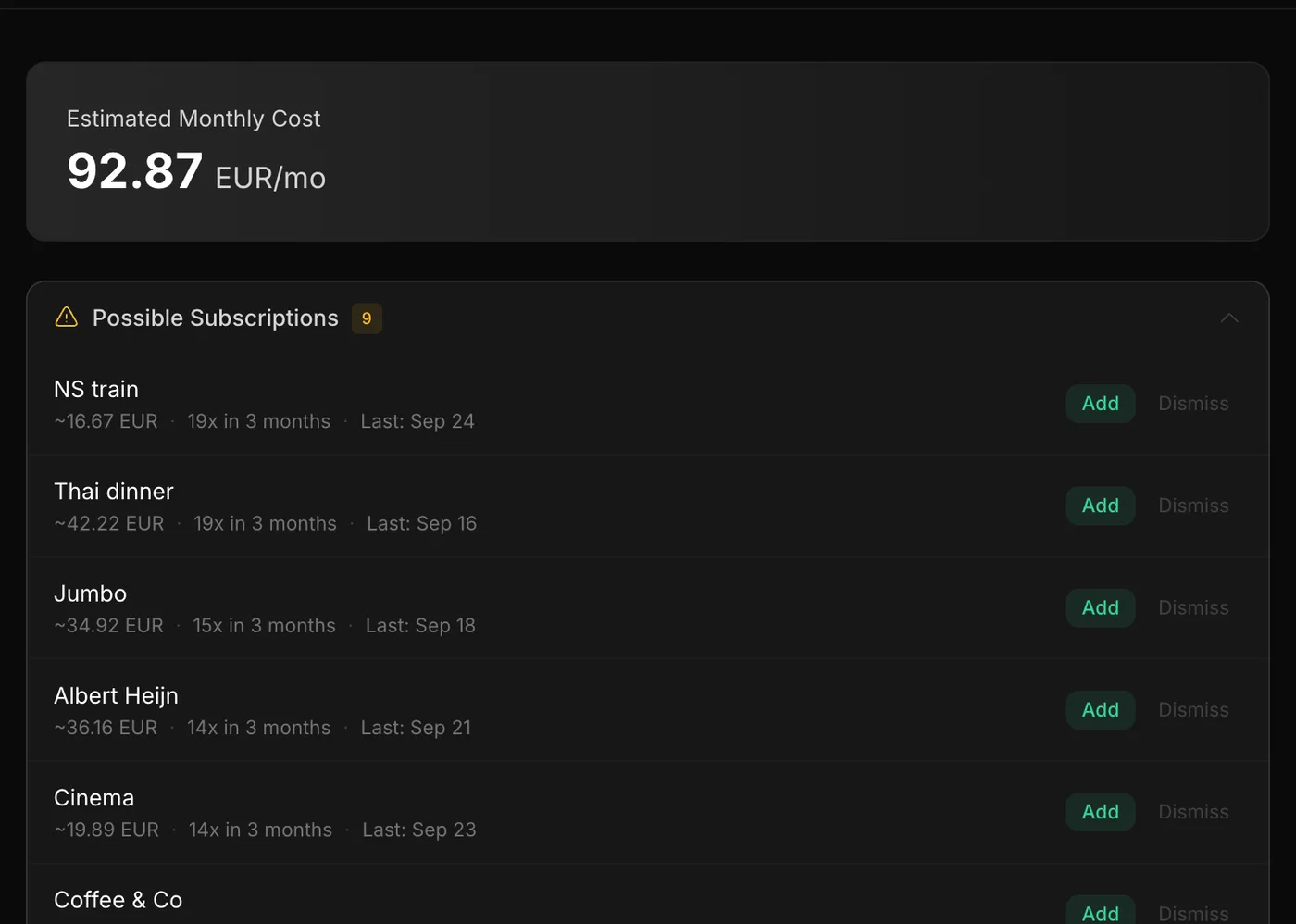
Design tools, hosting, the AI subscription you forgot about. Framezone spots repeat charges, adds up the monthly and yearly cost, and reminds you three days before each bill.
- Monthly and yearly totals
- Reminder three days before billing
- Income against spending per month
Friday review
Close the week in two minutes
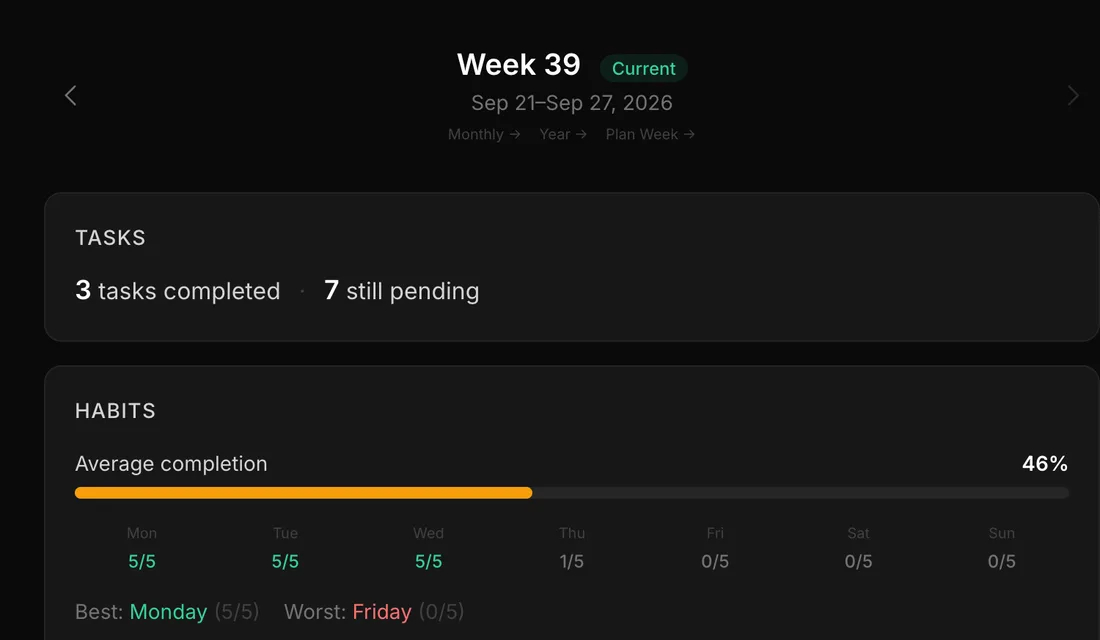
The weekly review fills itself in: tasks done, focus time and how your habits held up. Plan next week around the deadlines that are coming, then log off.
- Tasks done and focus time
- Habit completion by day
- Next week planned from the same screen
Works with your AI assistant
Ask in plain words.
Connect Claude, ChatGPT, Cursor or any MCP assistant, and it can read your data and log new entries when you ask. You approve the connection first.
Connect your AIWhich project got most of my focus time this week?
Add "Send the March invoice" as a high-priority task due Friday.
Which subscriptions renew in the next 30 days?
Example questions
Questions
Good to know.
No. Focus sessions show time per project, which is useful for your own planning, but there are no rates, timesheets or invoices. Keep your invoicing tool for that.
Yes. Workspaces let you switch views, for example a Work workspace that shows only projects, tasks and focus.
No. Framezone is personal; there are no shared workspaces or guest access.
Log each payment as income on the right account. The money overview shows this month's income against spending, and budgets per category keep the regular costs in check.
Also made for
Different lives, one dashboard.
Your whole life in one view.
Start with one area. It takes about a minute.
Free during early access. No card needed.